Your household is its own vault
Every record belongs to one household. Queries, file access, and your chief of staff’s answers are scoped to that household alone — with automated tests that try (and fail) to reach another family’s data.
For estate attorneys and the families they serve
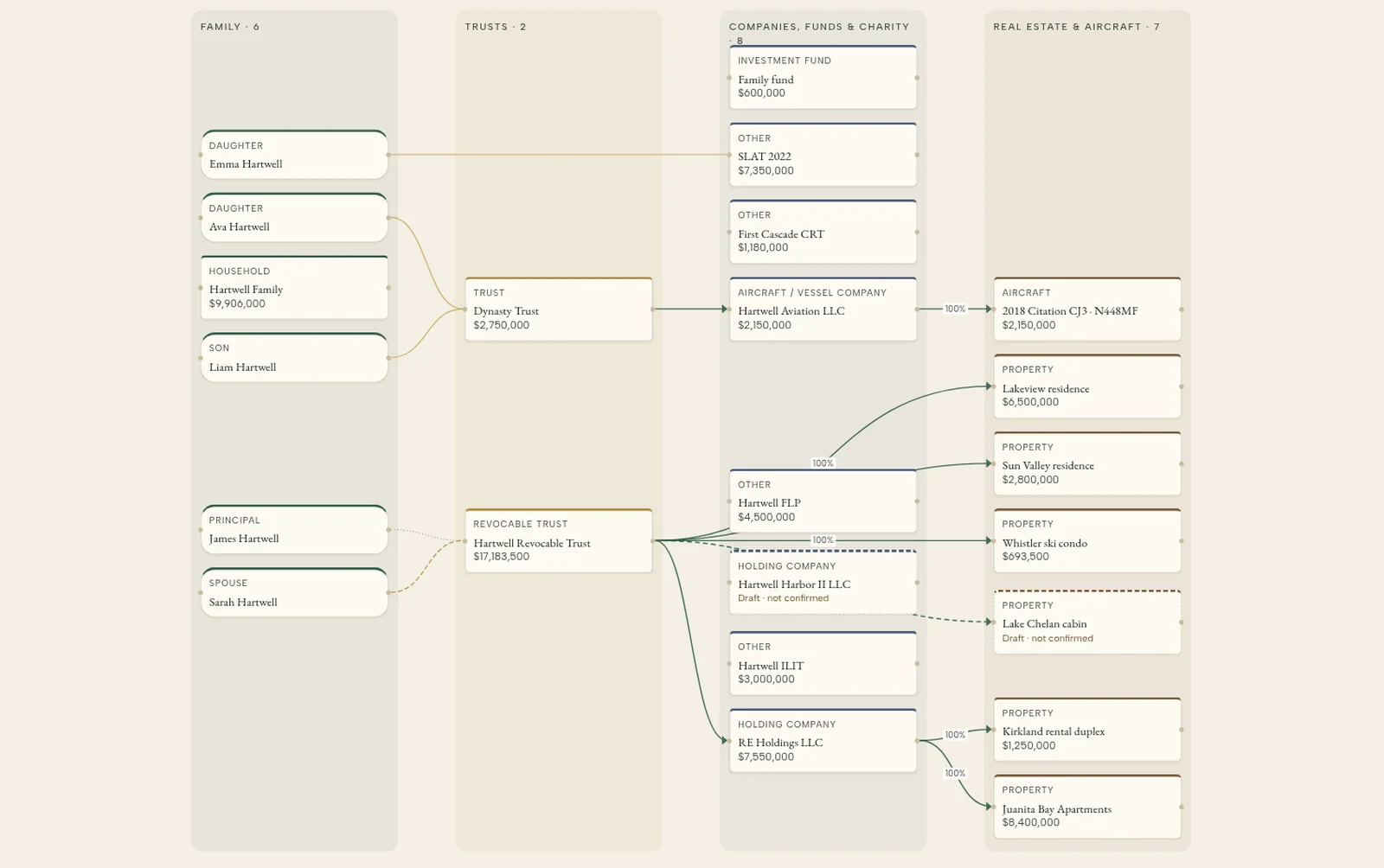
The family keeps its trusts, entities, ownership and documents current in one private place. Their attorney sees the same picture, with every figure tied to its source. No more chasing statements before the annual review.
The family
Keeps it current, decides what is shared
Their attorney
Sees the same tree, as of today, with sources
How it works
Sign-up is by invitation only. Request an invite for your client at myfamilyoffice.si/request-access, or a family already on My Family Office can invite them. Your client opens a single-use link and becomes their own household; the record belongs to them, not to us and not to the firm.
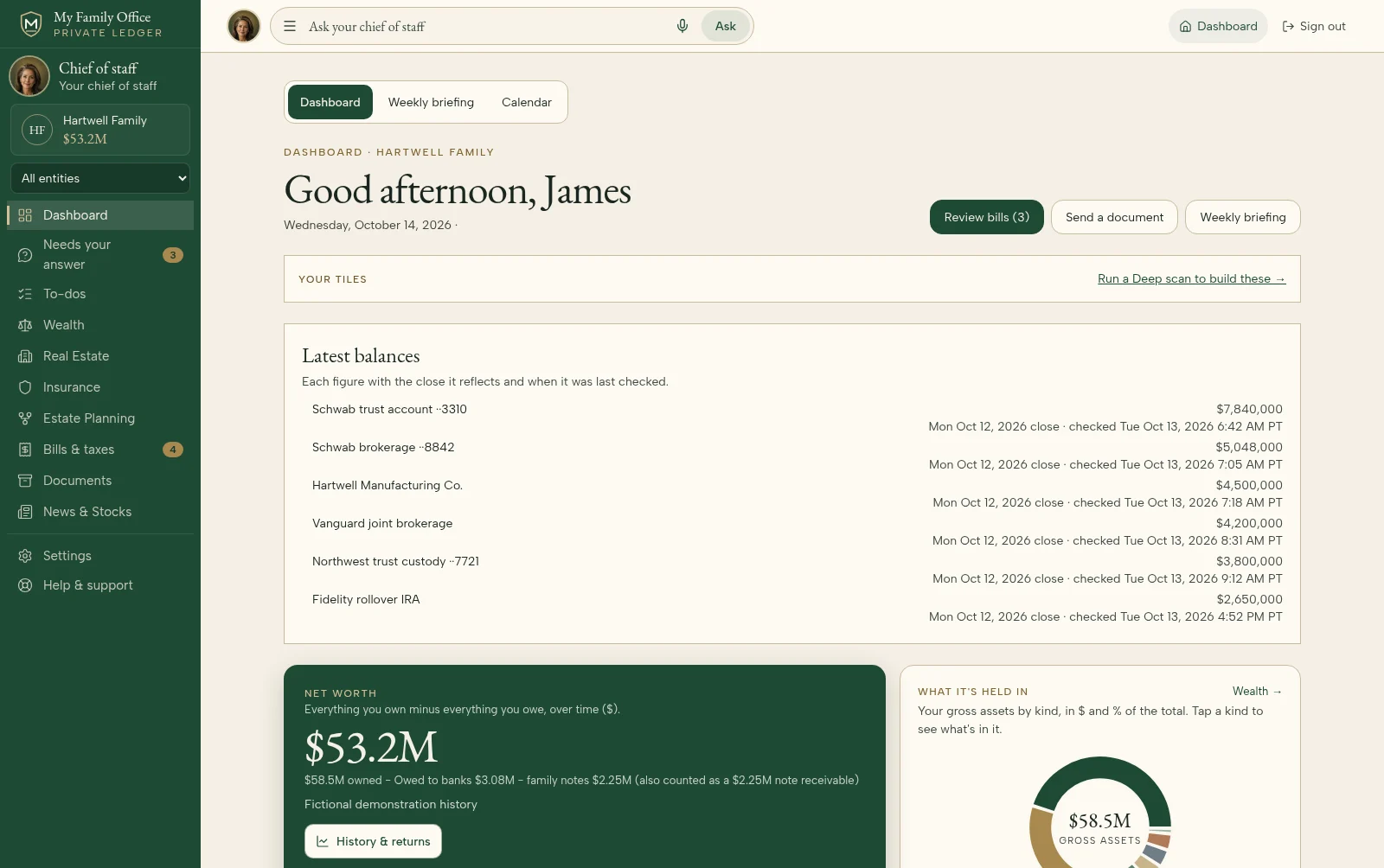
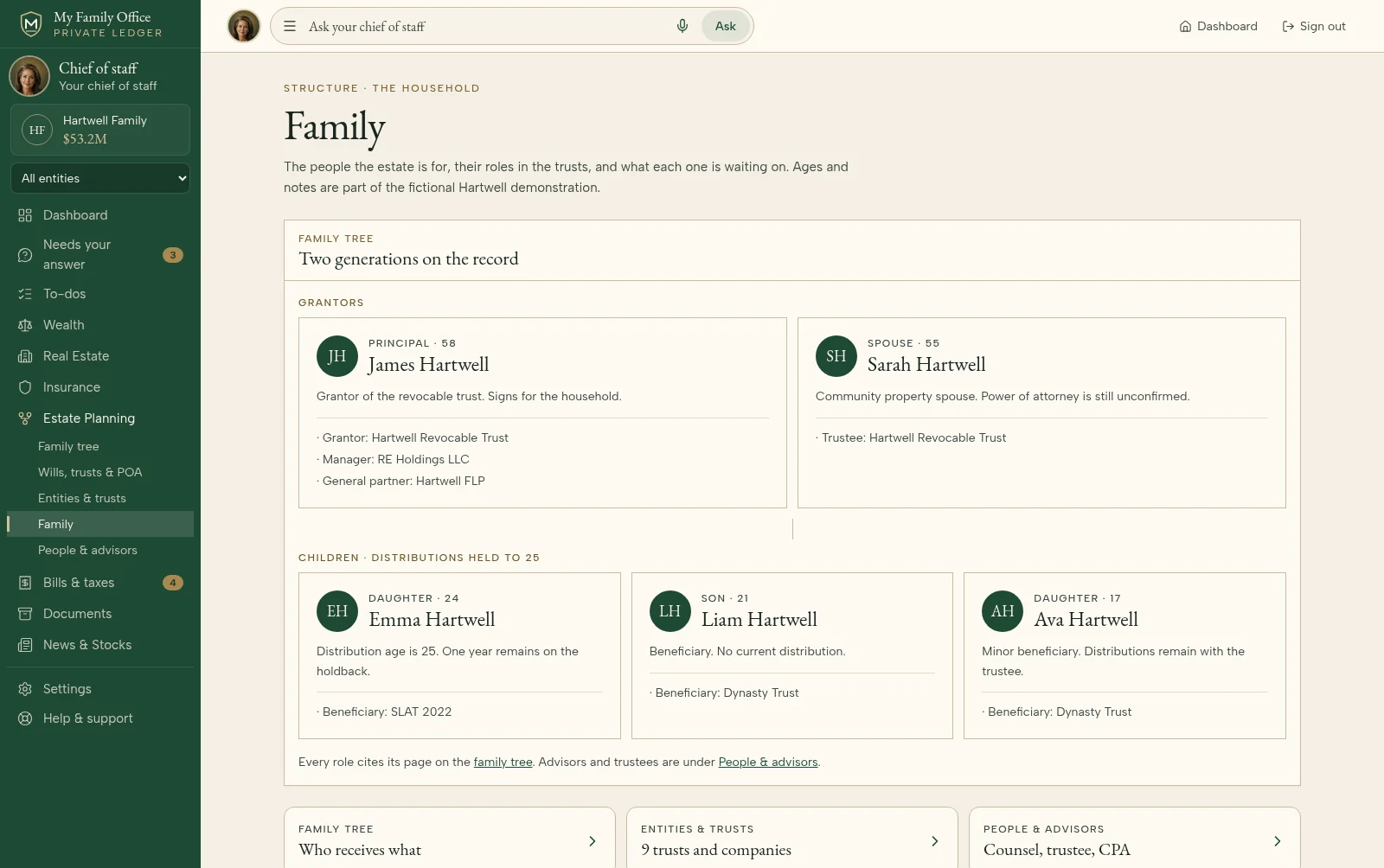
They upload the estate plan, entity documents and statements, and connect their mail and portals. Each proposed record is reviewed by a person before it is saved, and bill pay keeps them coming back.
When the family is ready, an owner shares a view-only link with you. You see the same ownership tree and documents they do, as of today, and every share and every view is logged.
For the family
For the attorney
Trust and security
Every record belongs to one household. Queries, file access, and your chief of staff’s answers are scoped to that household alone — with automated tests that try (and fail) to reach another family’s data.
Documents, bank tokens, and MFA secrets are sealed with AES-256-GCM using a data key unique to your household (envelope encryption). Keys can be rotated. Production is designed for cloud key management — not a shared free-for-all.
An owner can give you a view-only link. It names you, needs a code sent to your email, works on one device, expires on the date the owner picks, and can be turned off at any time. Creating, sending and opening a link are written to the family's hash-chained audit log.
A family's records are never used to train anyone's AI models. The chief of staff reads the family's own records to answer questions; that is all it does with them.
My Family Office organizes the family's records. It does not give legal, tax or investment advice and never tells a family what to do. Planning decisions stay with you and your client.
The family can ask for an export of their records or for their household to be deleted. Deleting removes the data from active systems; backups age out on a fixed schedule.
Sign-up is by private invite. Ask us for one for your client, walk the demo family’s record yourself, and hand them the one-pager.
My Family Office is not a law firm, bank or investment adviser and does not provide legal, tax or investment advice. Using it does not create an attorney-client relationship with us. Talk with your client about whether and how sharing records affects privilege.